Microsoft to Phase Out SMS Two-Factor Authentication, Promote Passkeys
en.Wedoany.com Reported - On May 19, Microsoft officially confirmed through a technical support document that it will begin phasing out the use of SMS verification codes as a method for two-factor authentication and account recovery for personal Microsoft accounts, fully transitioning to a passwordless login system centered on passkeys. This official announcement was embedded in the form of a document within the Microsoft account management page, rather than being released through traditional news channels, but the document content confirms the strategic abandonment of SMS authentication—"SMS-based authentication has now become one of the primary sources of fraudulent activity."
In the official document, Microsoft systematically outlined the security flaws of SMS verification codes. SMS was not designed with modern network security environments in mind; its content is transmitted in plain text over cellular networks, making it highly susceptible to interception and eavesdropping. A more serious threat comes from SIM swapping attacks—attackers trick mobile carriers into transferring a user's phone number to a device they control, allowing them to directly receive all SMS verification codes sent to that number and thereby hijack the user's account. Jonathan Edwards, a senior project manager in the Microsoft technical community, pointed out that one-time verification codes sent via SMS are vulnerable to interception, SIM swapping, and routing flaws, attack paths that still frequently succeed in real-world scenarios. A report by the UK anti-fraud organization Cifas shows that SIM swapping attacks have increased by 38% in the past year alone, with the primary reason for such attacks being the widespread reliance of ordinary users on SMS verification.
The alternative solution designated by Microsoft for personal accounts consists of three components: passkeys are positioned as the preferred login method, the Microsoft Authenticator app serves as a supplementary mobile verification tool, and a verified backup email address handles account recovery functions. Passkeys are built on the FIDO2 standard, utilizing public key cryptography. During login, the system generates a pair of cryptographic keys—the public key is submitted to the server, while the private key is stored in physical hardware such as the Trusted Platform Module (TPM) security chip on the user's device, never leaving the device or being transmitted over the network. After the user completes identity verification through Windows Hello facial recognition, fingerprint scanning, or a local device PIN, the device can complete the signing operation. Since the private key is never exposed on the network, even if an attacker sets up a fake login page, they cannot bypass the passkey's domain-specific cryptographic verification mechanism.
Passkeys offer two deployment modes. In the device-bound mode, the private key is permanently locked in specific hardware, such as a laptop's TPM security chip, and cannot be copied or migrated. In the cloud sync mode, the private key can be encrypted and synchronized across multiple authorized user devices through services like Apple iCloud Keychain or Google Password Manager, balancing security and convenience. Microsoft also supports cross-device synchronization through the Microsoft Edge browser and Microsoft Password Manager, and third-party password managers like Bitwarden and 1Password have also integrated with Windows 11's passkey provider API. If a user loses their phone, they can still recover account access using a verified backup email and synchronized passkeys.
There is a clear timeline for the accompanying migration on the enterprise side. Passkey support for Microsoft Entra ID has entered the public preview stage, with device-bound passkeys already allowing users to store keys in Windows Hello, usable for both managed and personal devices. According to the Microsoft Entra ID migration plan, tenant organizations still using legacy authentication methods must migrate user management settings to new authentication policies by September 30, 2026. Starting October 1, 2026, processes still relying on legacy SMS or voice verification codes will cease to function, potentially preventing users from completing logins. Furthermore, starting January 2027, Microsoft Entra ID will no longer support password resets via security questions, preventing attackers from obtaining account recovery information through phishing from the source.
In special technical scenarios, SMS verification codes will still be retained as a final fallback. For login needs of Windows Insider program members when creating and managing virtual machines in isolated nested environments—where the virtual machine cannot read the host's biometric hardware or access security keys, and logging in with passkeys or PINs frequently displays error messages—SMS verification codes will continue to be provided as a last resort, but this exception applies only to very limited technical scenarios.
Microsoft's engineering validation data for advancing passwordless technology has been publicly disclosed. On World Passkey Day in May 2026, Microsoft revealed that after passkeys were set as the default option for new accounts, the success rate of passwordless authentication within Microsoft reached 95%, with login speeds 14 times faster than traditional methods. Within Microsoft's internal environment, 99.6% of users and devices have switched to phishing-resistant authentication methods, and the old SMS and voice verification methods have been largely removed from core processes. New accounts are now registered with passkeys by default instead of passwords. The FIDO Alliance estimates that 5 billion passkeys are already in use globally, with tech companies like Google, Apple, and Meta all incorporating passkeys into their consumer identity verification systems. The entire industry is accelerating its migration from the password era to the passwordless era.
Microsoft will soon push a prompt interface to all personal account holders, requiring them to set up a passkey and confirm the validity of their backup email address.
This article is compiled by Wedoany. All AI citations must indicate the source as "Wedoany". If there is any infringement or other issues, please notify us promptly, and we will modify or delete it accordingly. Email: news@wedoany.com
Related Products

Conveyor Belt Intelligent Monitoring System
LUO YANG WIRE ROPE INSPECTION TECHNOLOGY CO., LTD.
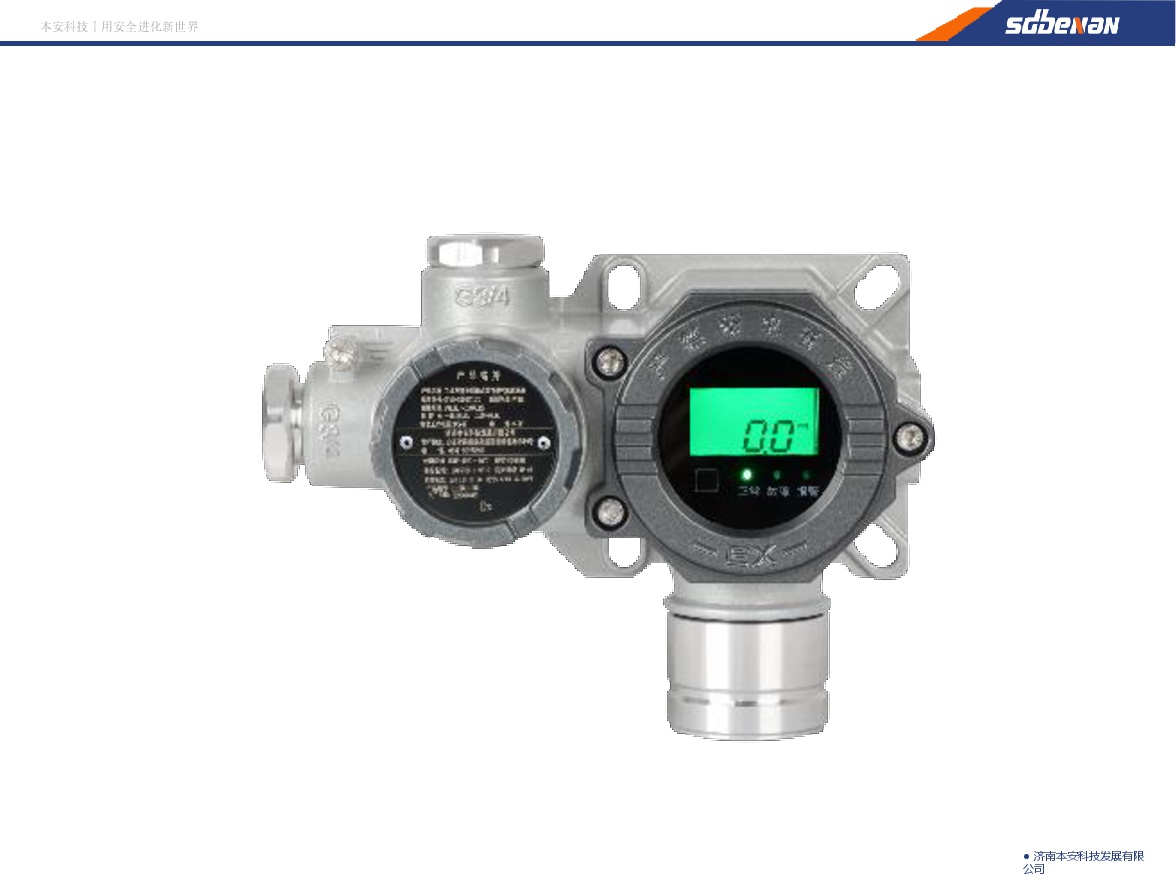
Industrial and Commercial Point-Type Gas Detector
Jinan Benan Technology Development Co., Ltd.
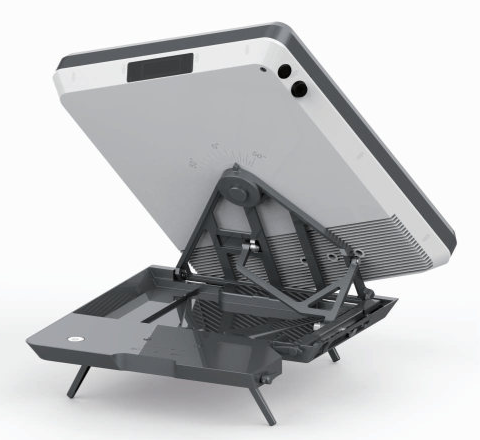
Flat Portable Satellite Terminal 0.35m Aperture Manual Portable Terminal
China Starwin Science & Technology Co., Ltd.





Multi-function Marine Monitoring Low-altitude Detection Radar Sea-air Boundary Ocean Dynamic Environment Measurement
Chengdu Dixin Technology Co., Ltd.