
en.Wedoany.com Reported - Google has launched the "Organize My Files" feature, leveraging Gemini AI to help users clean up and organize scattered files in Google Drive. The feature is currently available to Google Workspace and Google AI subscribers, and users need to enable Workspace smart features to use it in Drive.
File management in Google Drive has long relied on manual operations, leading to an accumulation of numerous files, screenshots, PDFs, and digital content. The "Organize My Files" feature uses Gemini AI to analyze scattered files and provide two types of organization suggestions: moving files to existing folders or creating new folders for related file groups. Users can review all suggestions before moving, use checkboxes to select or deselect operations, rename folders, or change target locations. Once confirmed, Gemini will execute all moves at once.
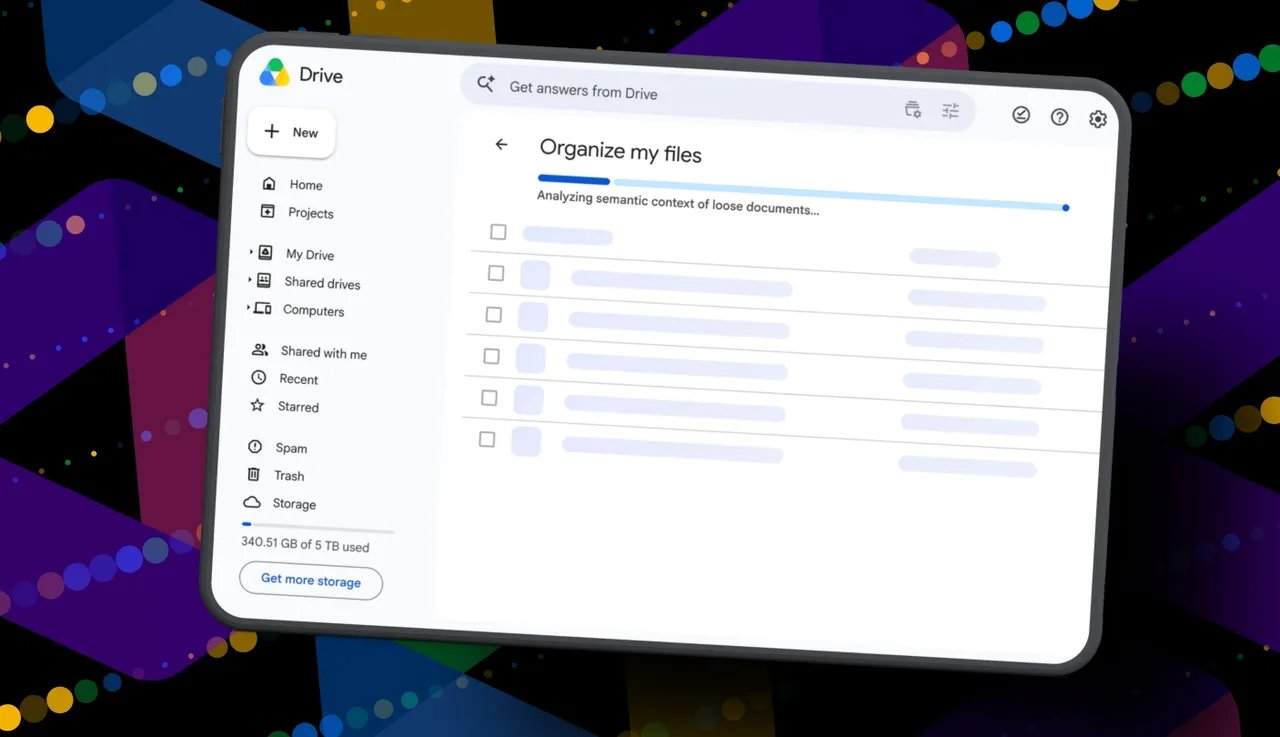
In testing, a user used the feature on a Drive containing hundreds of gigabytes of data. Gemini provided 19 move operation suggestions, primarily identifying recently created or uploaded files. Some suggestions were practical, such as moving a resume to an existing resume folder, creating a "Home and Real Estate" folder for property deeds, and creating a "Travel Plans" folder for summer trip itineraries. However, the feature failed to identify documents with "delete" intent in their filenames and suggest deletion. When the user ran the tool again, after about 30 seconds, the system provided identical suggestions as before, including the same file moves and new folder suggestions.
To use the feature, users need to open Google Drive in a browser and click "My Drive," then find and click the "Suggest file moves" button at the top of the file list. This button appears in "My Drive" and its parent folders. After clicking, the "Organize My Files" window opens, and Gemini begins analyzing scattered files to provide cleanup suggestions. Users need to wait about a minute for suggestions, after which they can preview files by hovering over cards or open them in new tabs for inspection.
This article is compiled by Wedoany. All AI citations must indicate the source as "Wedoany". If there is any infringement or other issues, please notify us promptly, and we will modify or delete it accordingly. Email: news@wedoany.com