Canada's Insight Works Explains Warehouse Connectivity Solutions
en.Wedoany.com Reported - Insight Works has detailed how its Warehouse Insight application for Microsoft Dynamics 365 Business Central addresses various connectivity challenges in warehouse operations, ranging from brief Wi-Fi dead zones to complete network outages.
Most warehouse management systems treat connectivity failures as a single issue with a uniform solution. In reality, signal dead spots in aisles, complete network outages, and high-speed serial number scanning sessions create three distinct failure modes. Addressing only one leaves the others unresolved, leading to common consequences such as workers stopping scanning to wait, reverting to paper records, or continuing work and bearing the cost of errors.
Warehouse Insight, running as a native extension of Business Central, categorizes these scenarios into three different operational modes. In standard operation, each action scan is posted to Business Central in real time, with instant validation feedback provided directly on the scanning device. Issues such as incorrect items, batch number mismatches, or quantities exceeding limits appear before the worker proceeds. When a worker enters a dead zone or when a high volume of scanning operations exceeds server response time, the store-and-forward engine automatically activates, queuing scan data on the device and forwarding it to Business Central once connectivity stabilizes. No action is required from the worker, and the transition is invisible.
When connectivity is completely lost, the system initiates a fully offline mode. Cached documents on the device remain available, allowing workers to open documents, scan items, enter quantities, and complete transactions without a network connection. Once connectivity is restored, data is uploaded to Business Central, where supervisors or workers review exceptions before posting. For cases where no document exists at the time of interruption, the Scratchpad application captures temporary records for receiving, shipping, picking, put-away, and inventory counting, retaining them on the device until they can be matched and processed. Teams with customization needs can also use the App Designer's offline application framework to build applications that support offline functionality.
Brian Neufeld, Marketing Director at Insight Works, stated that one of the most common questions in WMS evaluations is what happens when connectivity is lost. The honest answer is that it depends on which type of connectivity issue is encountered. Warehouse Insight handles all three scenarios differently because they are different problems. This is an answer that partners can use in sales conversations and that end users can rely on in daily operations.
About Insight Works: The company is an independent software vendor (ISV) focused on creating applications for Microsoft Dynamics 365 Business Central, serving the manufacturing and distribution industries. Through a global network of over 750 Microsoft partners, the company ensures its applications are accessible and supported at any operational location of a business. Headquartered in Canada, it also has a regional office in the Netherlands.
This article is compiled by Wedoany. All AI citations must indicate the source as "Wedoany". If there is any infringement or other issues, please notify us promptly, and we will modify or delete it accordingly. Email: news@wedoany.com
Related Products

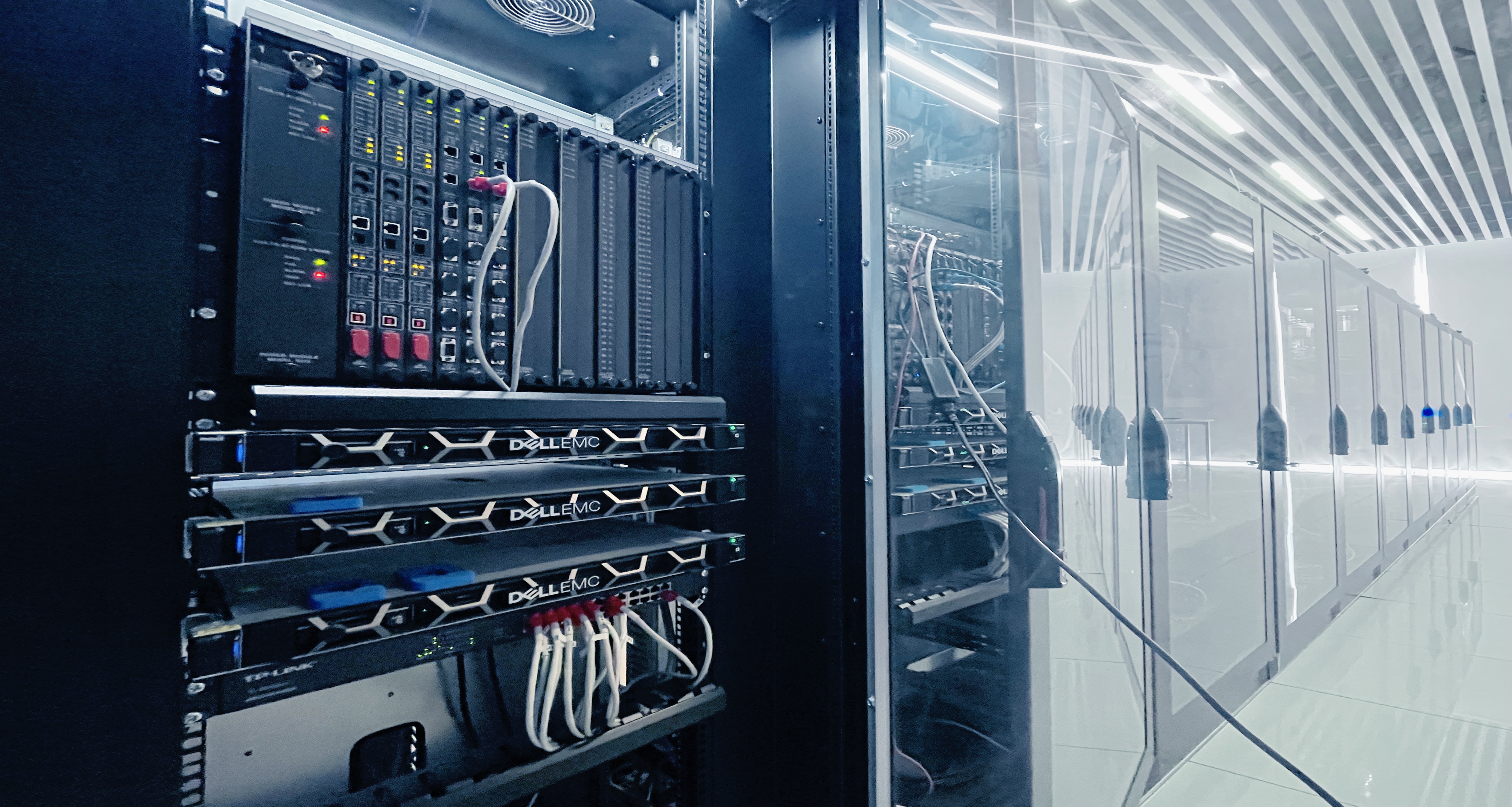

MUX Series Communication Interface Device for Security and Stability Control System
Nanjing NR Electric Co., Ltd.
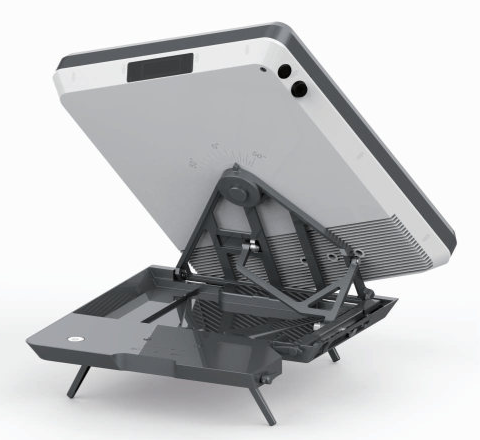
Flat Portable Satellite Terminal 0.35m Aperture Manual Portable Terminal
China Starwin Science & Technology Co., Ltd.
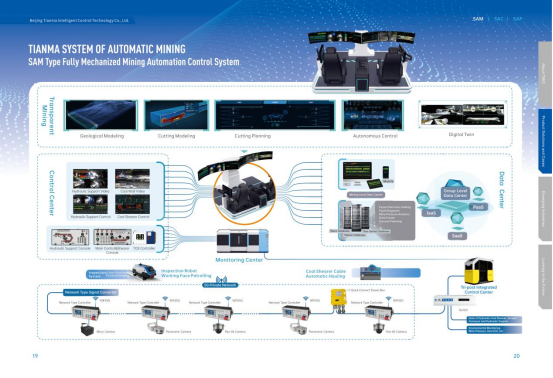
Comprehensive Mining Automation Control System
Beijing Tianma Intelligent Control Technology Co., Ltd.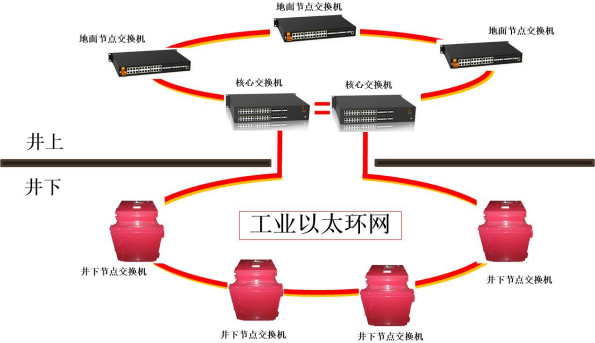
Mine Explosion-proof and Intrinsically Safe Industrial Ethernet Ring Network (10 Gigabit/Gigabit)
Chongqing Mas Sci&Tech Co., Ltd.