Microsoft VS Code 1.123 Expands Context Window to One Million Tokens
en.Wedoany.com Reported - Microsoft has introduced more features for working with large language models in Visual Studio Code version 1.123, including syncing chat sessions across multiple devices, an expanded context window for specific models, and the ability to open multiple agent windows in parallel.
As a new default feature, Visual Studio Code now syncs chat sessions (including all local agent sessions) to the user's GitHub account. Microsoft emphasizes that synced chat content is private unless explicitly shared by the user. On github.com, chats appear in the "Agents" tab of the repository and are searchable. Users who wish to disable this feature can set the organization-level setting chat.sessionSync.enabled to false.
The preview feature "Agent Window" now supports a "side-by-side" view, allowing developers to open another session simultaneously alongside an already open agent session. To open another session, developers can select "Open to the Side" from the session list's right-click menu, drag and drop the session into the session view area, or hold the Alt key and select directly. Only one visible session is active at a time; the newly selected session automatically becomes the active view unless the previous session has been locked via the pin button in the upper right corner of the view.
Another update involves supported Anthropic and OpenAI models: the context window has been expanded to one million tokens, designed to help users handle larger codebases and support longer conversations without losing important context.
This is not Microsoft's only update in the AI field: at this week's internal conference Microsoft Build, a standalone desktop application for GitHub Copilot was also launched.
This article is compiled by Wedoany. All AI citations must indicate the source as "Wedoany". If there is any infringement or other issues, please notify us promptly, and we will modify or delete it accordingly. Email: news@wedoany.com
Related Products

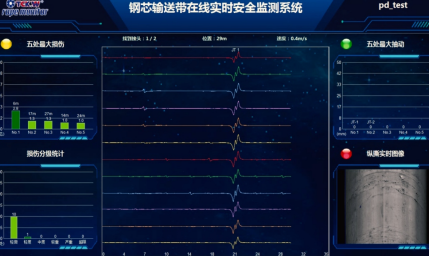
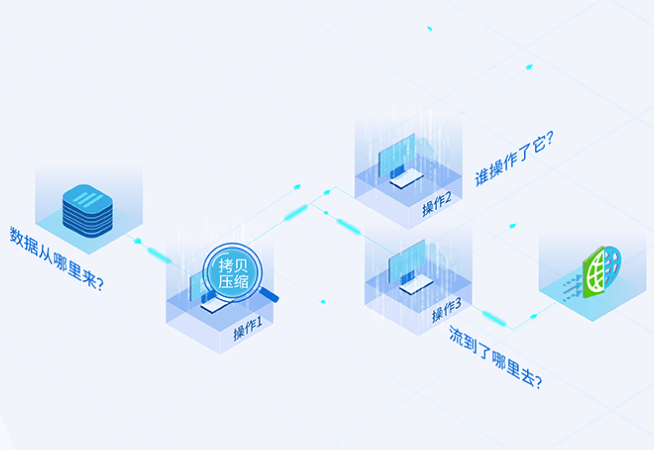
Conveyor Belt Intelligent Monitoring System
LUO YANG WIRE ROPE INSPECTION TECHNOLOGY CO., LTD.
20 Inch 1600*900 Full HD 60Hz TFT LED Monitor with VGA and DP Interfaces for Desktop Computers-Business Use
Guangzhou Zanying Optoelectronics Technology Co., Ltd.

MUX Series Communication Interface Device for Security and Stability Control System
Nanjing NR Electric Co., Ltd.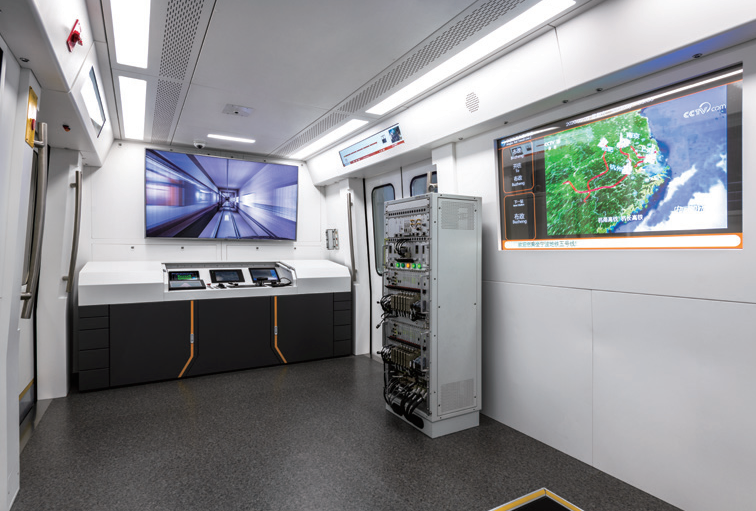
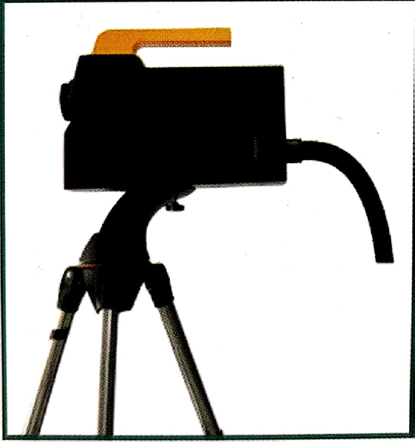
Automatic Aiming Laser Remote Obstacle Removal Robot
Pinggao Group Weihai High-Voltage Apparatus Co., Ltd.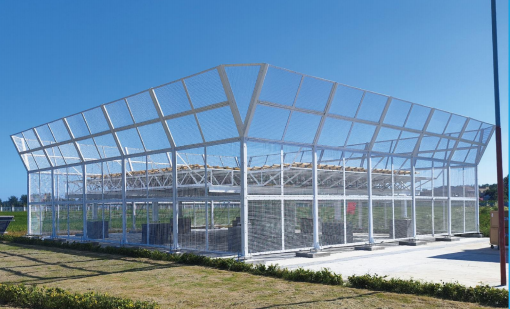
TWP16 P-Band Tropospheric Wind Profile Radar
China Huayun Meteorological Technology Group Co., Ltd.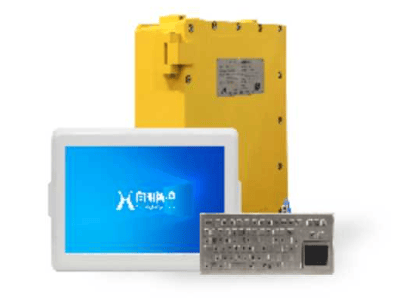
KJD127(A) Mining Explosion-Proof and Intrinsically Safe Computer
Taiyuan Xiangming Intelligent Control Technology Co., Ltd.